

2.4.0 released - 2 new components: Trace and Code Block

October 17th, 2026
Many companies are building AI chat interfaces. shadcn/ui keeps improving its components to make better UIs with more detail. We love it, and we integrated the newest release in just 3 days.
shadcn/ui released Trace and Code Block on October 14. Today’s 2.4.0 adds both to Pro: Trace shows what an agent is doing, and Code Block displays code, terminal output and diffs.
Trace#
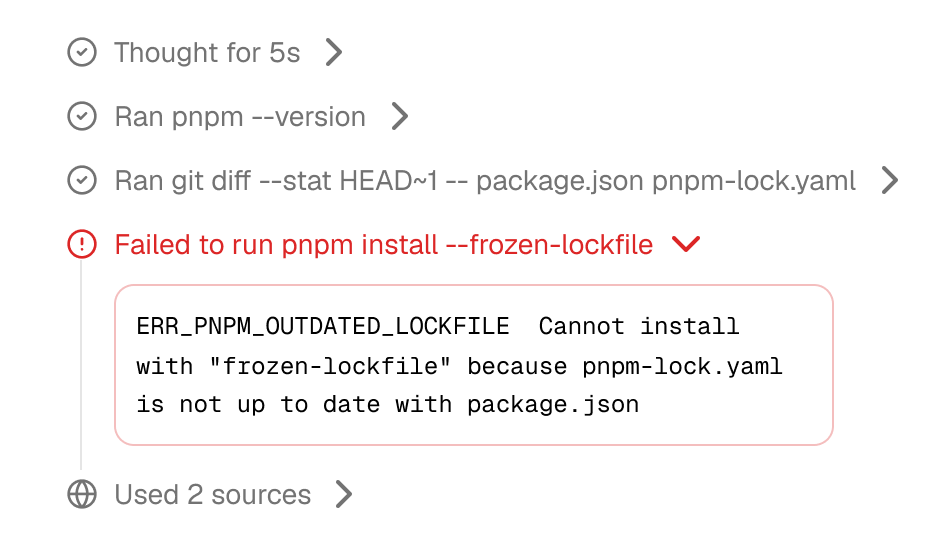
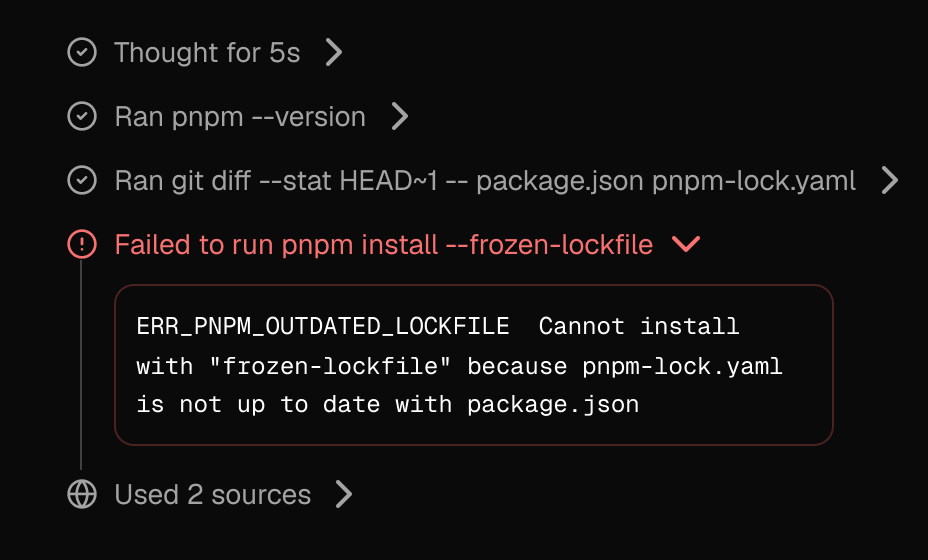
Trace shows what an AI agent is doing while it works: the steps it thinks through, the commands it runs, the files it edits and the sources it reads. Steps can be running, done or failed, and you can expand each one to see its output.
If you’re designing a coding assistant, a chat product with tool calls, or anything else where an agent works in the background, Trace gives you the building blocks to show that work.
Code Block#
Code Block displays code and terminal output. It supports line numbers, highlighted lines, diffs, file names, tabs for multiple files, error states and a collapsible “show more” for longer snippets, with copy and download actions in the header.
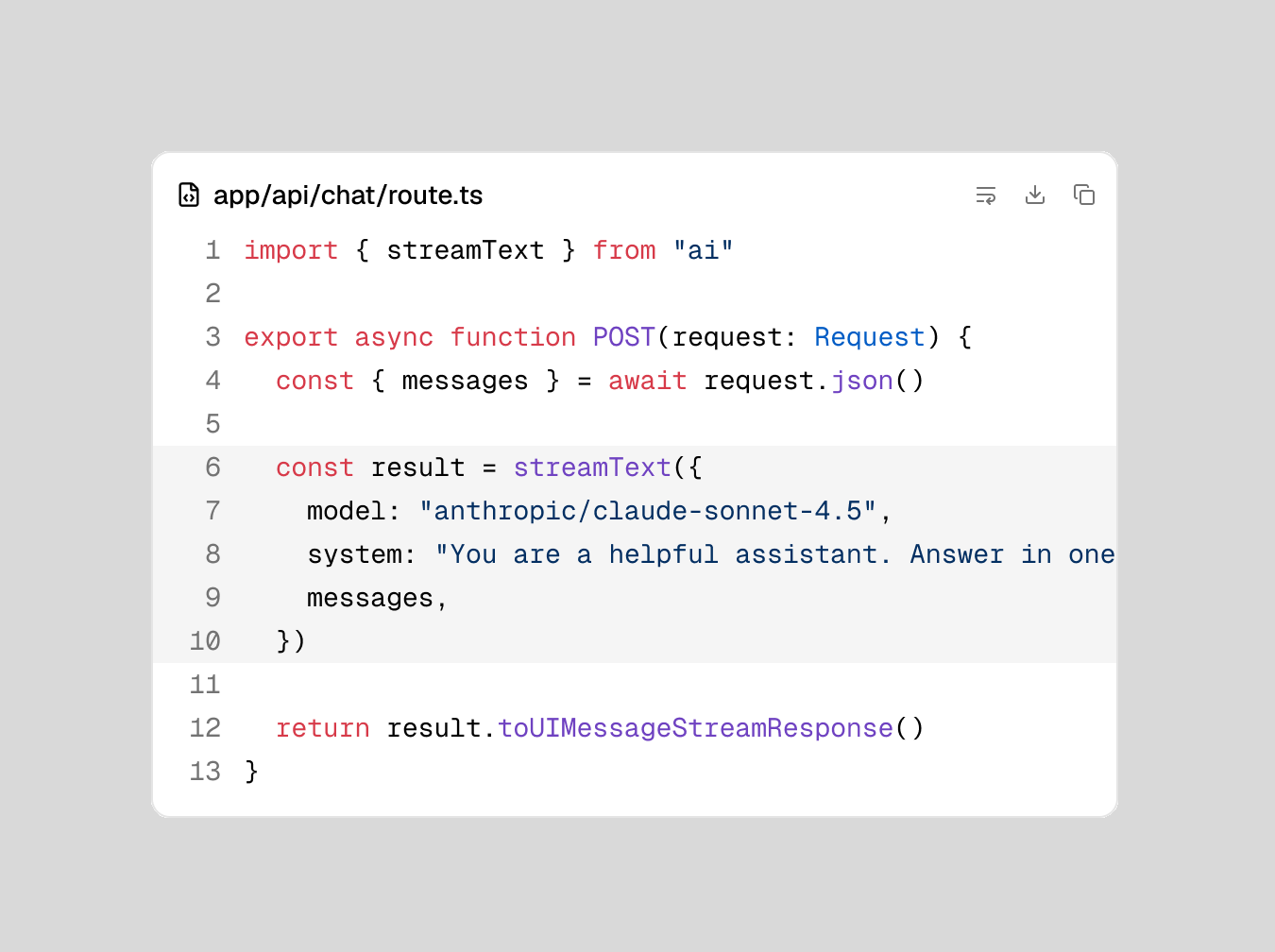
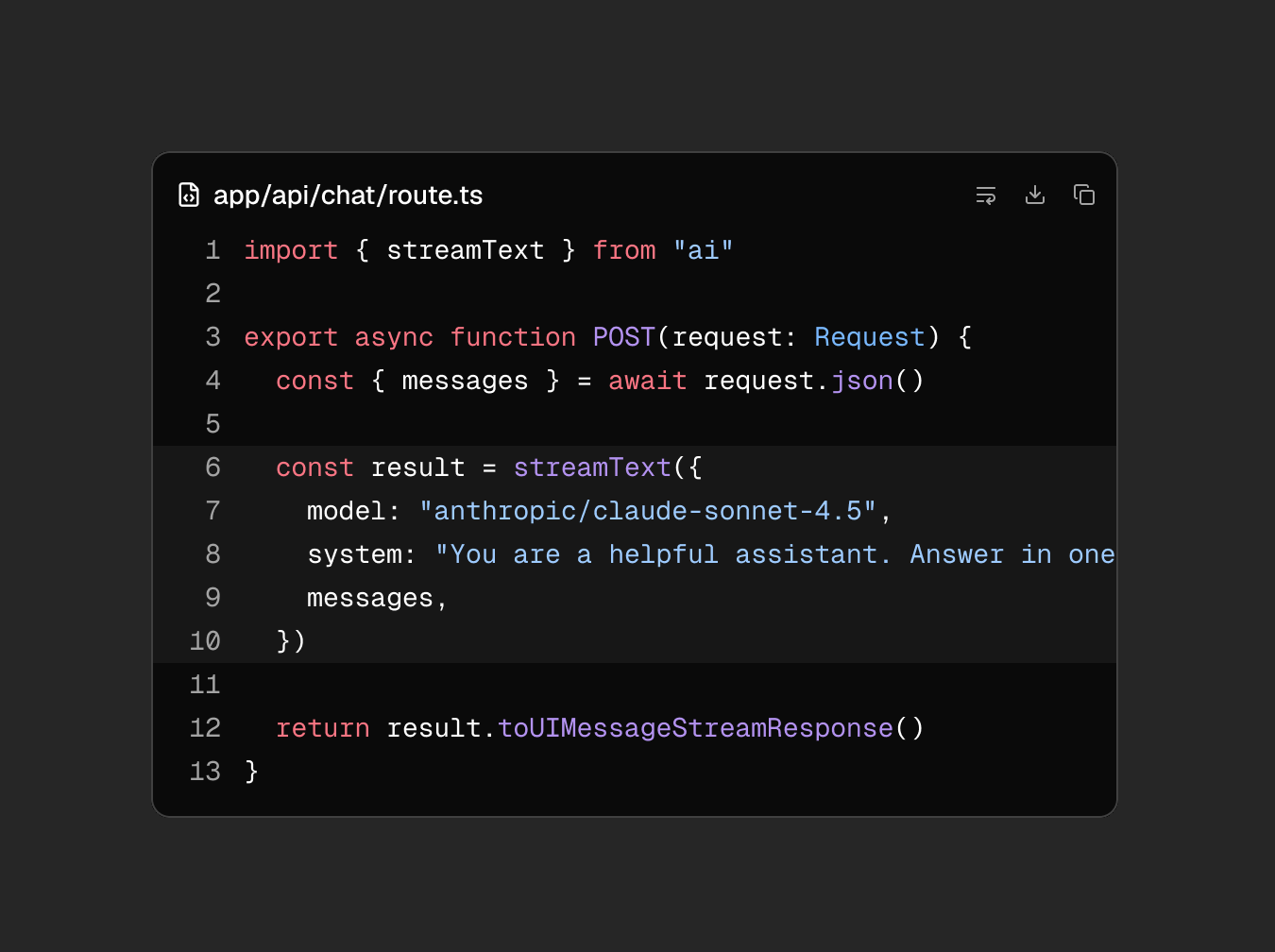
Like every component in Pro, Trace and Code Block come in all 8 shadcn/ui styles, in light and dark mode.
Everything you need to design an AI product#
Trace and Code Block join the components Pro already has for chat and AI interfaces: Attachment, Bubble, Marker, Message, Message Scroller and Questionnaire. Together they cover the whole conversation: what the user sends, what the agent answers, what it’s doing in the meantime and the code it produces.
All of them come in Nova, Vega, Luma, Rhea, Sera, Lyra, Mira and Maia, in light and dark mode.
A note on the Community kit#
With 2.4.0, we decided to make the difference between Community and Pro bigger. Community no longer has dark mode, and components released after June 2026 are now only part of Pro. Community still covers the shadcn/ui components in the Nova style that were released up to June 2026, in light mode. If you already duplicated an earlier version, your copy doesn’t change. The full details are in the changelog, and the homepage has a side-by-side comparison.
How do I get 2.4.0?#
Log in to the downloads center with your license key. The link is in your purchase email. Pick 2.4.0 from the releases dropdown. Every customer has access to all releases published since they bought the kit.