

Rhea is here — a more compact take on Luma

June 1st, 2026
shadcn shipped a new style last week — and the Figma file is already in the kit.
shadcn recently released Rhea, a more compact take on the Luma style. We followed our Luma Figma file with a dedicated Rhea file in 1.13.0, so the style is ready to use today.
That means every Obra shadcn/ui Pro customer can now choose between four styles, each as its own standalone Figma file in the downloads center: Vega (the original), Nova (the default in the shadcn/ui docs), Luma, and now Rhea. Every file is a complete kit in that style — no toggling, no overrides.
The latest release at the time of writing is 1.13.2. For the full list of what changed in 1.13.0-1.13.2, see the changelog.
What Rhea is#
Rhea is Luma, tightened up — a more compact variant with denser sizing and spacing. If Luma felt a little roomy for your product, Rhea gives you the same look in a tighter package. We’ve matched it in Figma so what you design maps directly to the shadcn/ui Rhea style in code.
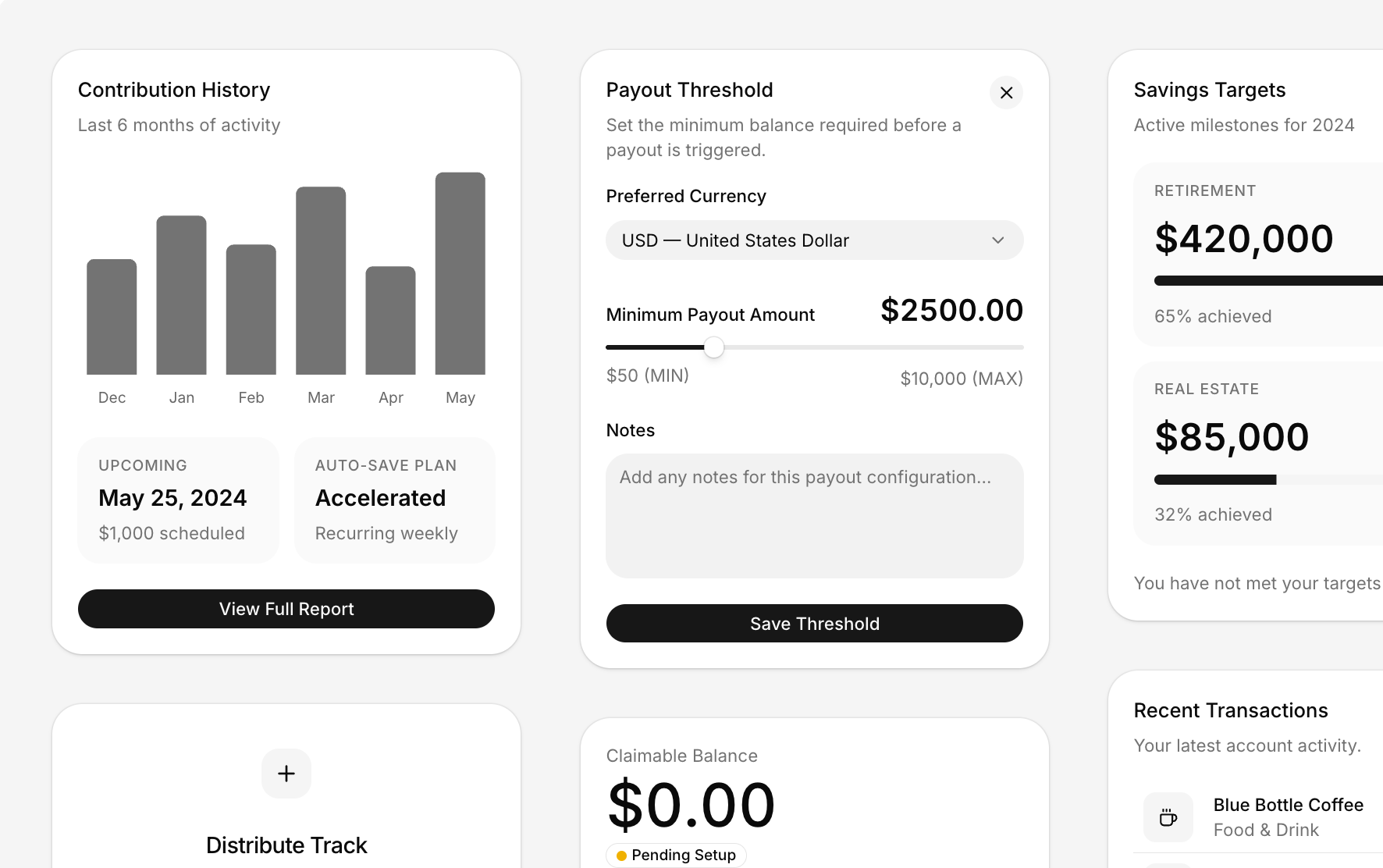
Keeping pace with shadcn styles#
When shadcn ships a new style, we move quickly to match it: Rhea landed upstream and we had a matching Figma file out after 1 week. Vega, Nova, Luma and Rhea are all available today.
We’re aiming to complete all shadcn/ui styles. Need focus on a specific style? Let us know what your team is missing.
How can I get the Rhea version?#
Log in to the downloads center — linked from your purchase mail — with your license key. Each style ships as its own file, so pick the Rhea file from the releases dropdown (Vega, Nova and Luma are right there alongside it). Every customer has access to all releases published since they purchased the kit.
Already using the kit? You can also try the Rhea style on an existing file with the shadcn/ui Create plugin (alpha), available to Pro customers via the downloads center.